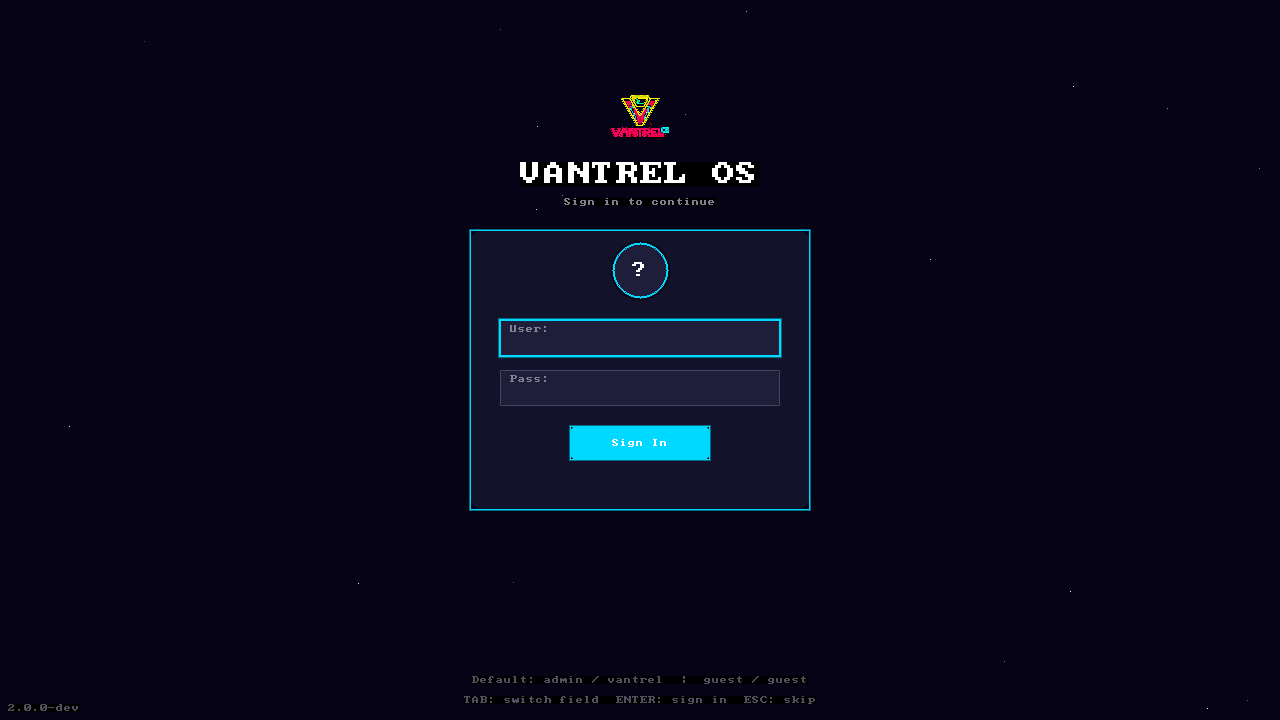
STAGE 01 // LOGIN
Login Screen
Boot animation completes. Login screen with keyboard capture. Desktop pre-loads behind.
Live Capture20 real captures of VANTREL OS running live in QEMU — boot, login, desktop, 13 terminal commands, and final state. No mockups, no renders. Every frame was dumped from the actual framebuffer.

All screenshots were captured from a live QEMU session running build/vantrel.img at 1280x720 32bpp with 8 GB RAM and e1000 networking. The OS was authenticated as admin and driven through real shell commands.
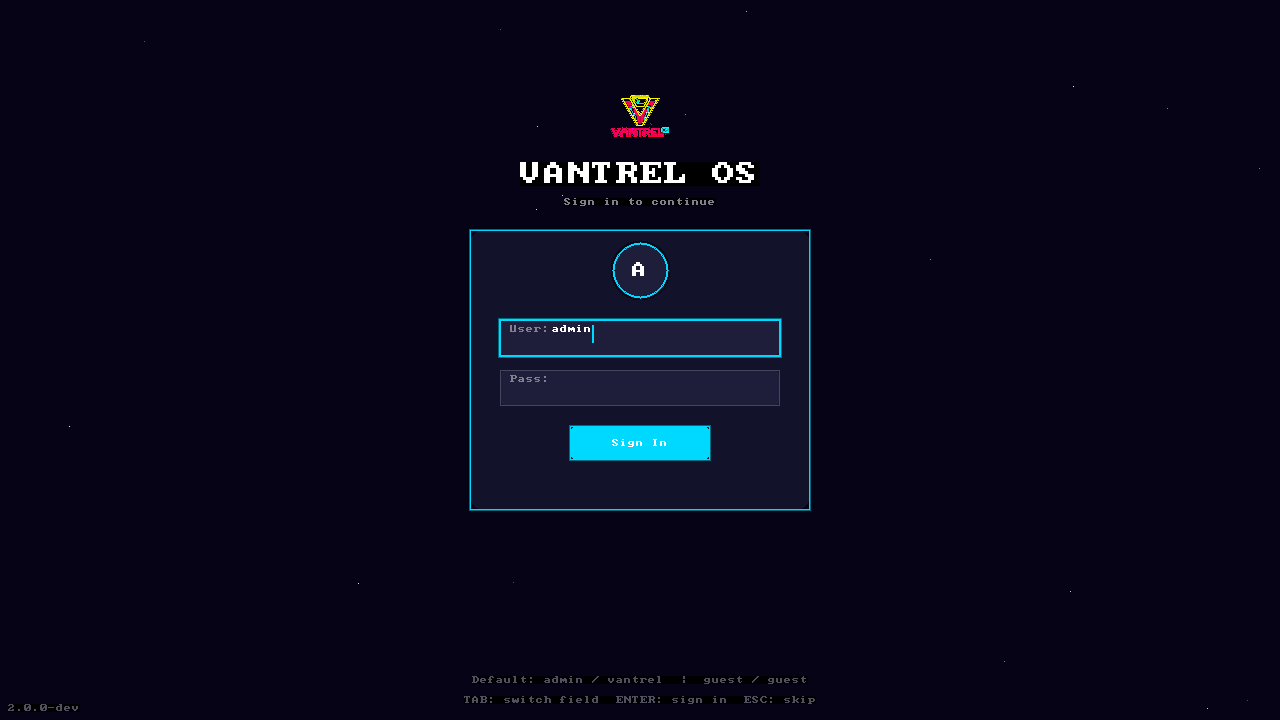
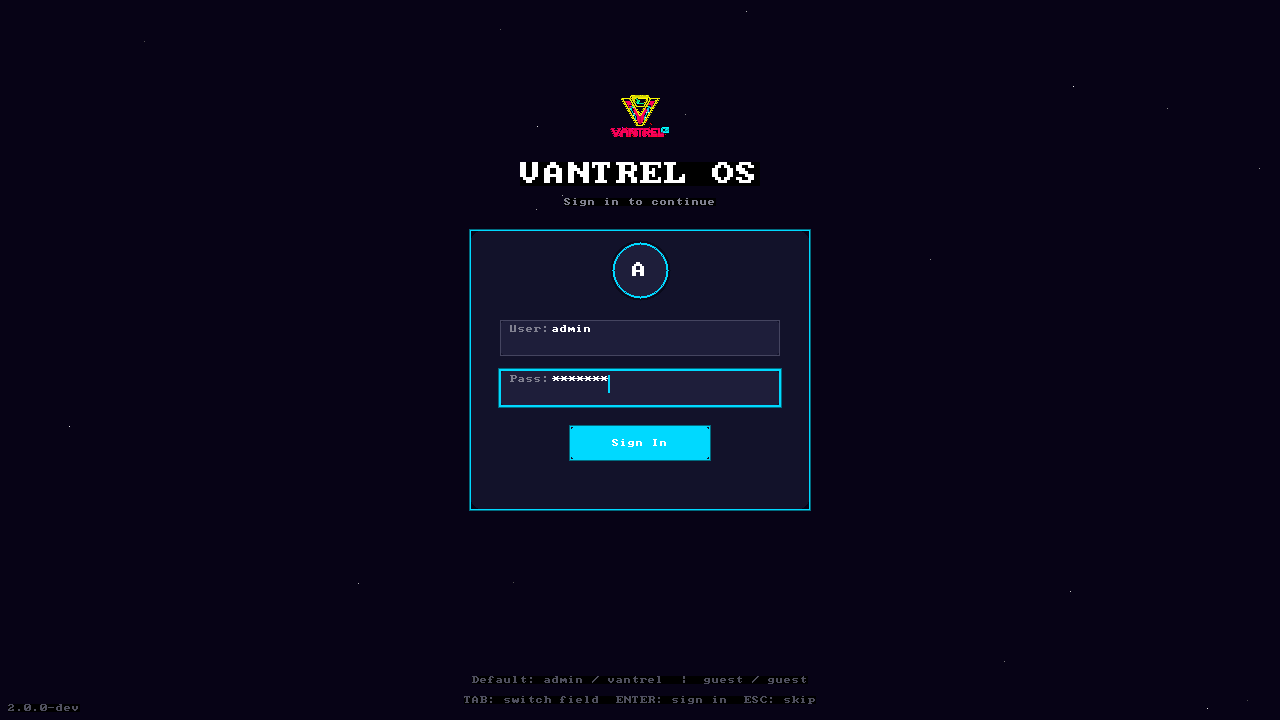
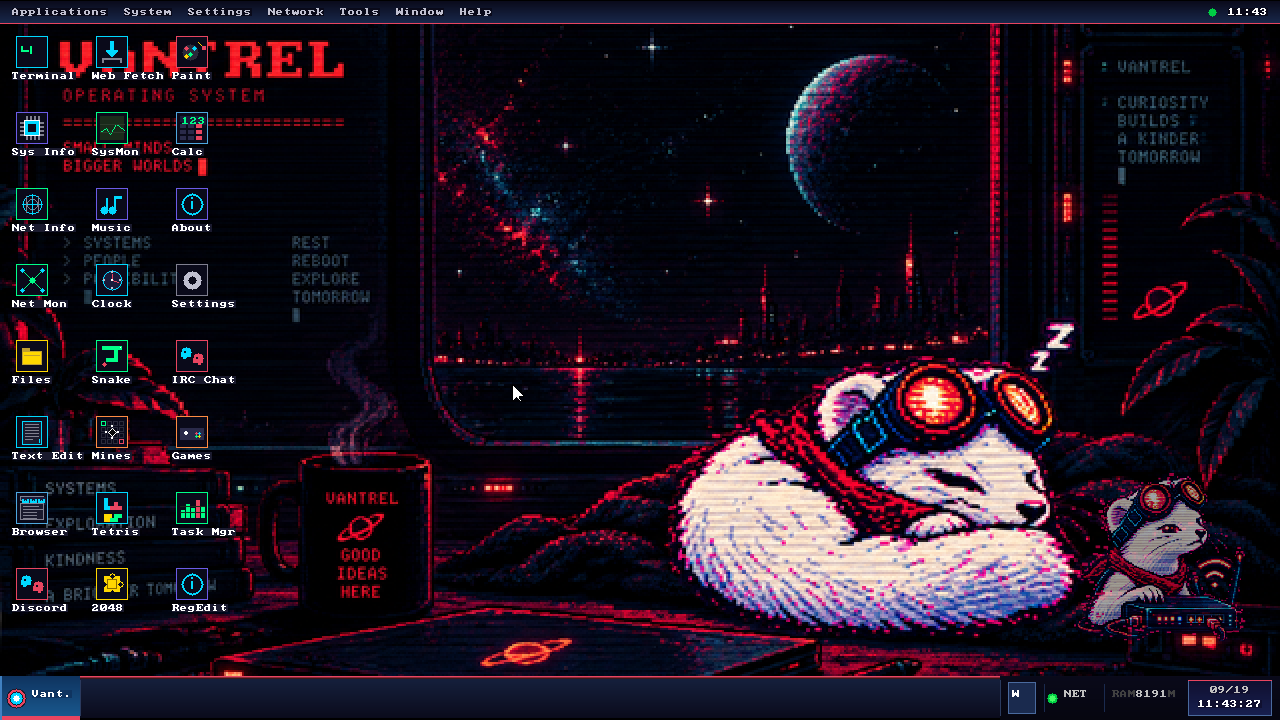
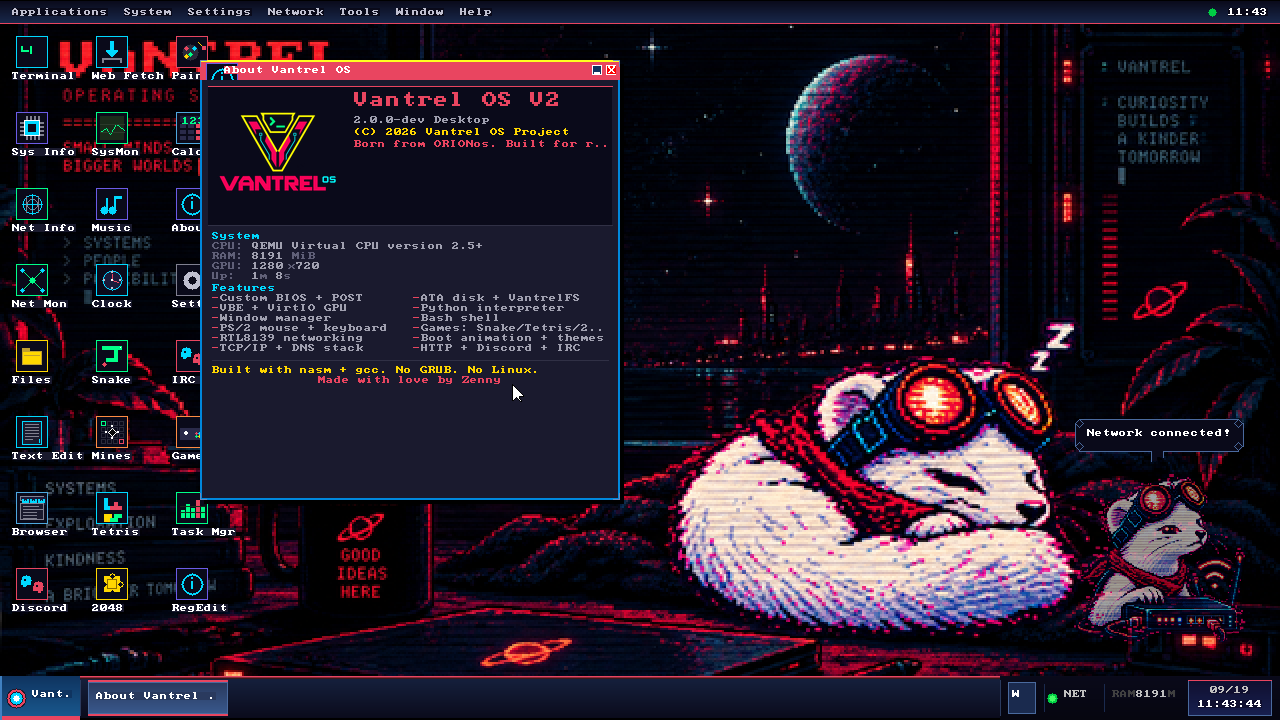
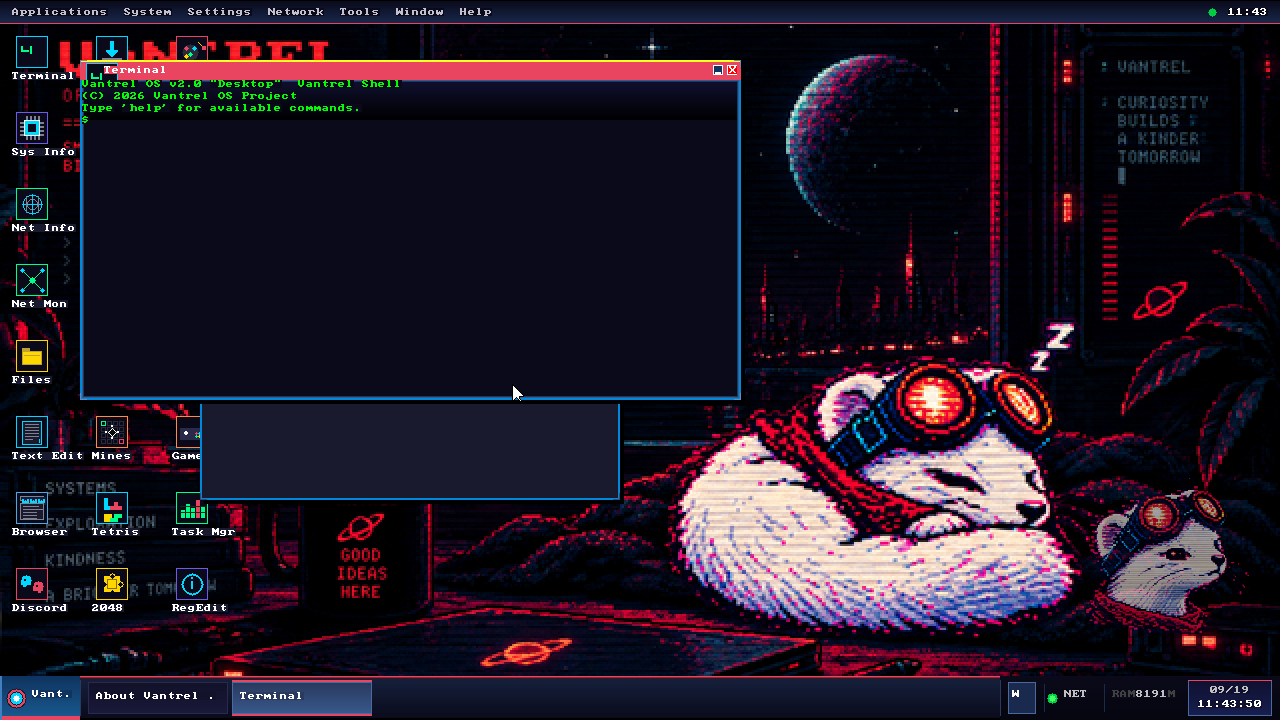
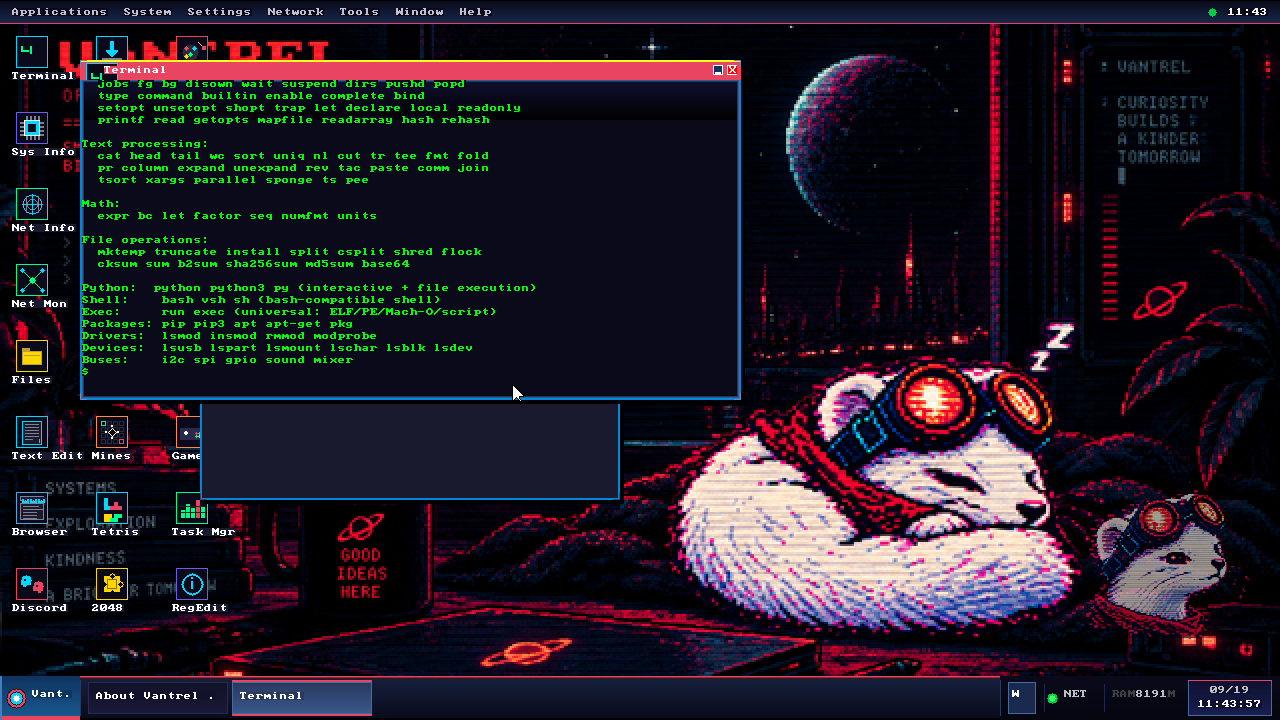
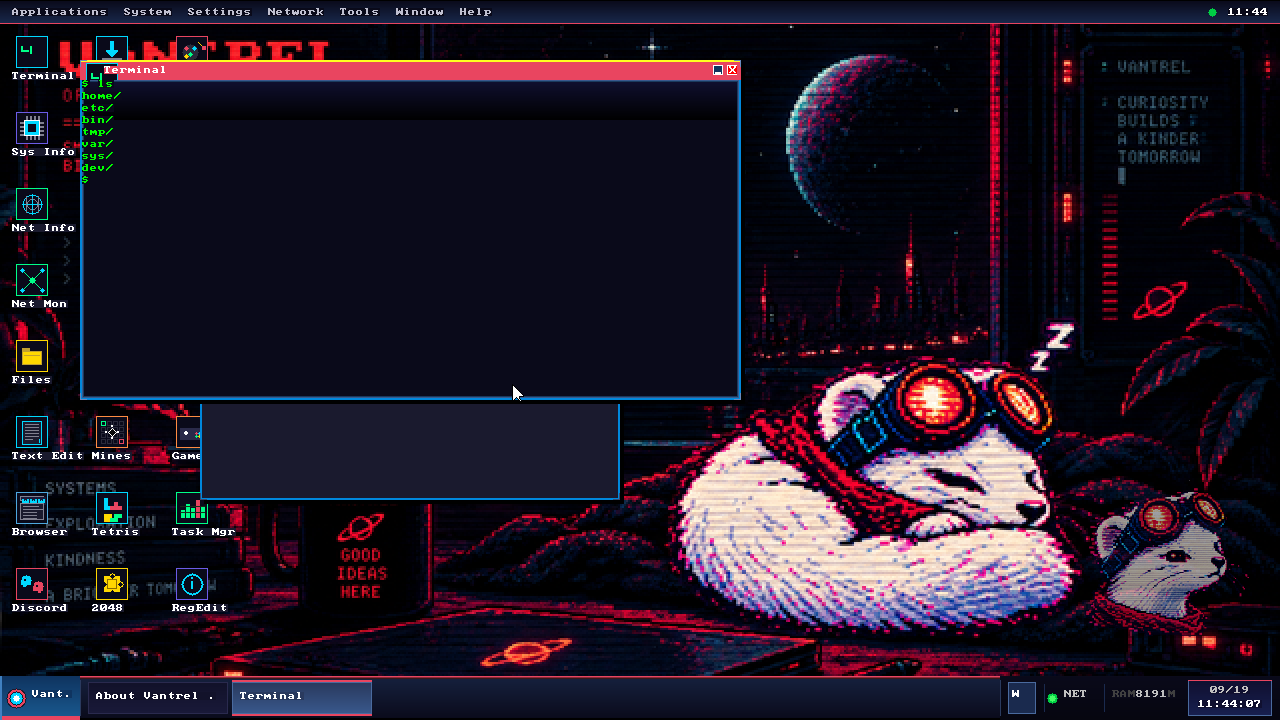
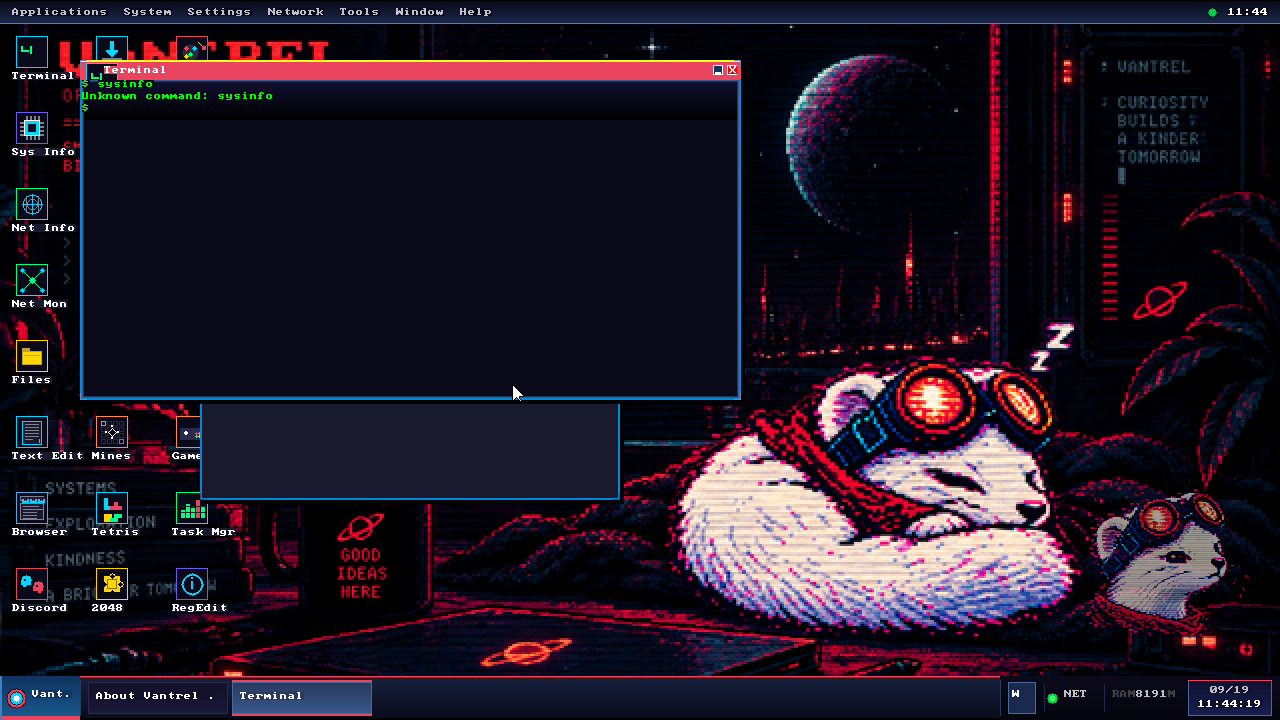
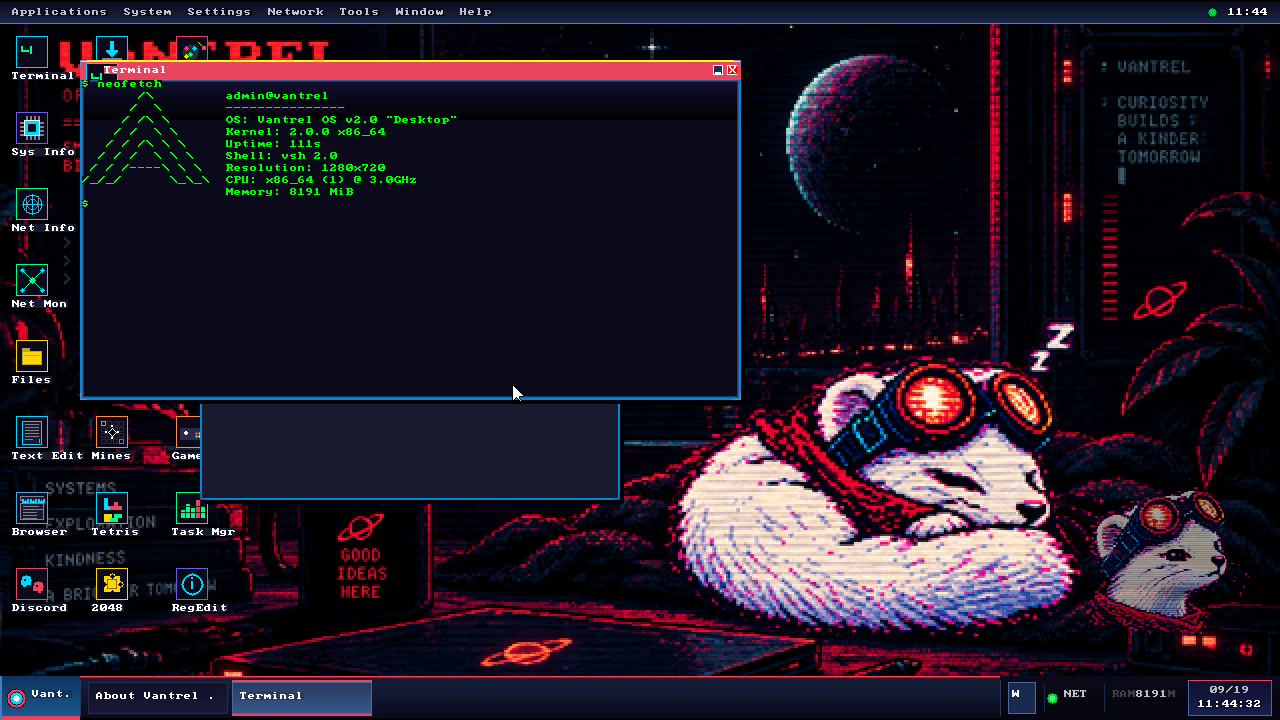
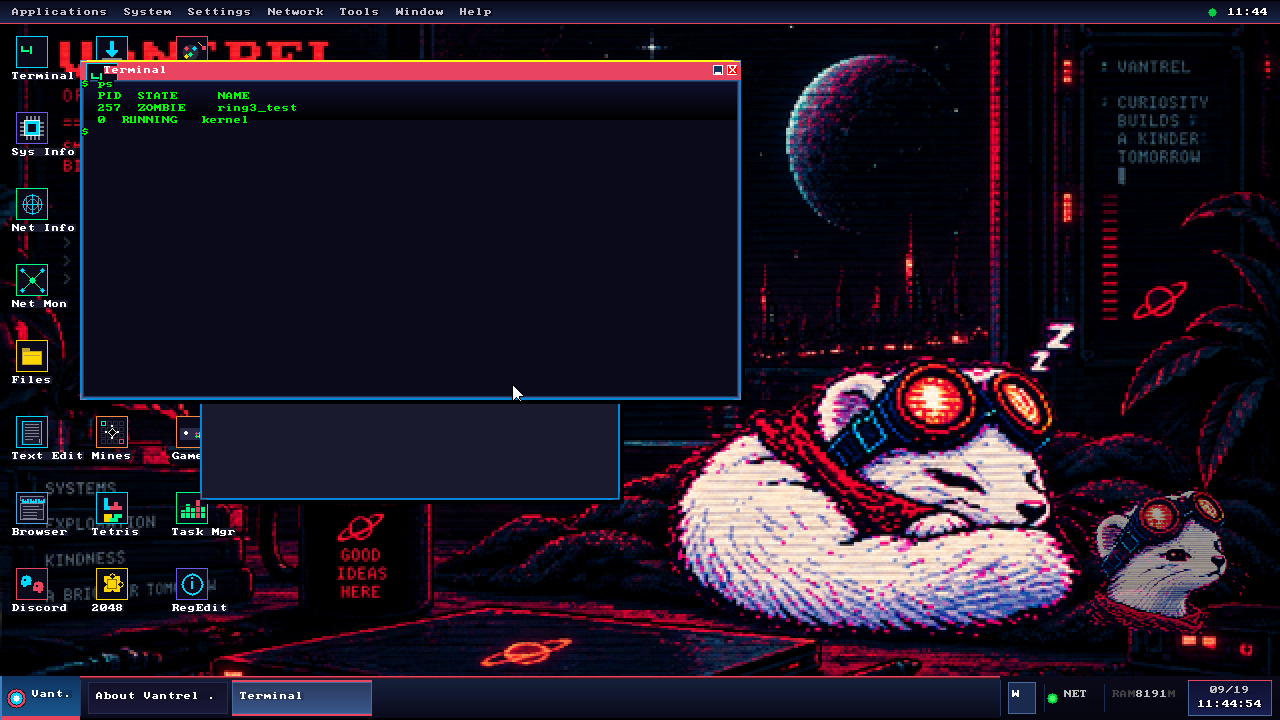
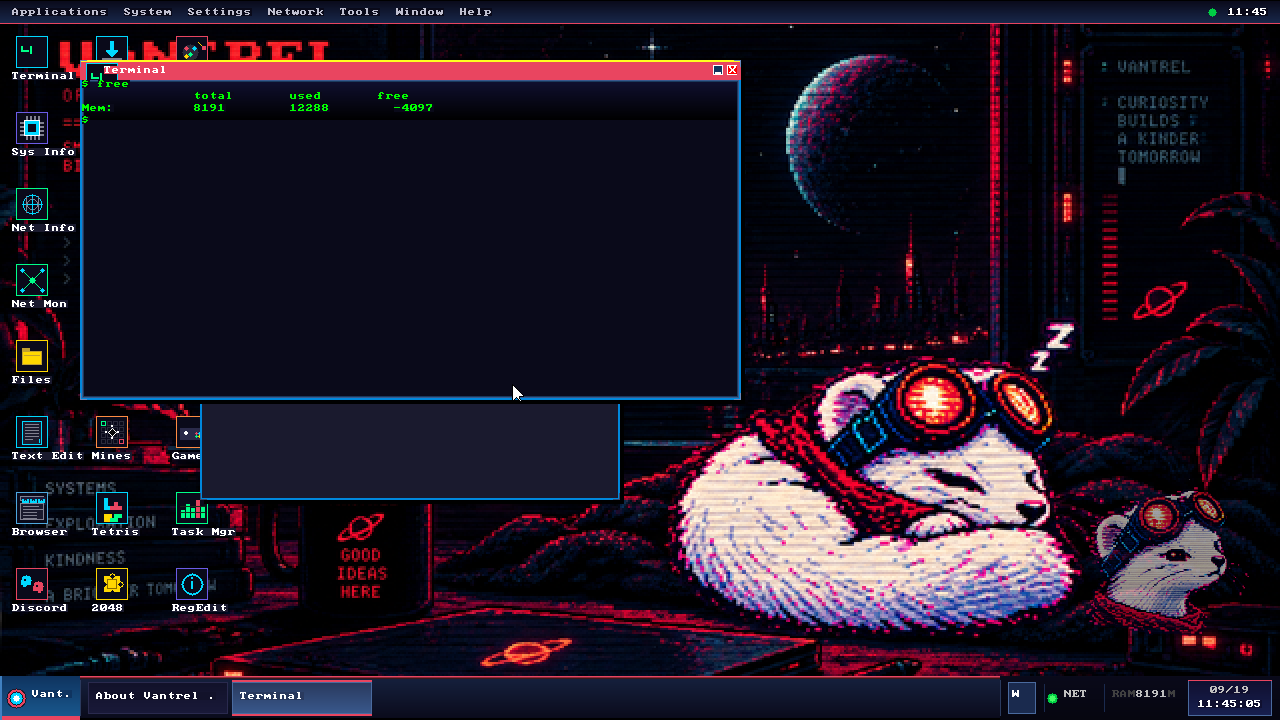
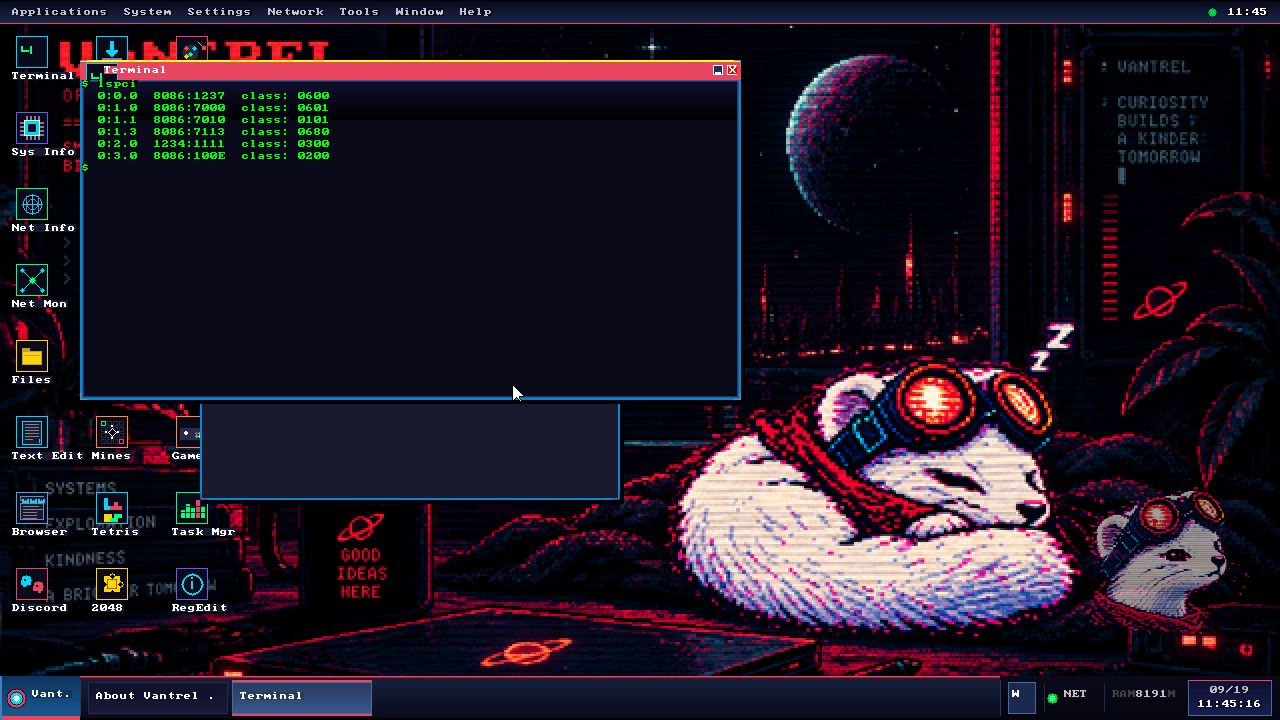
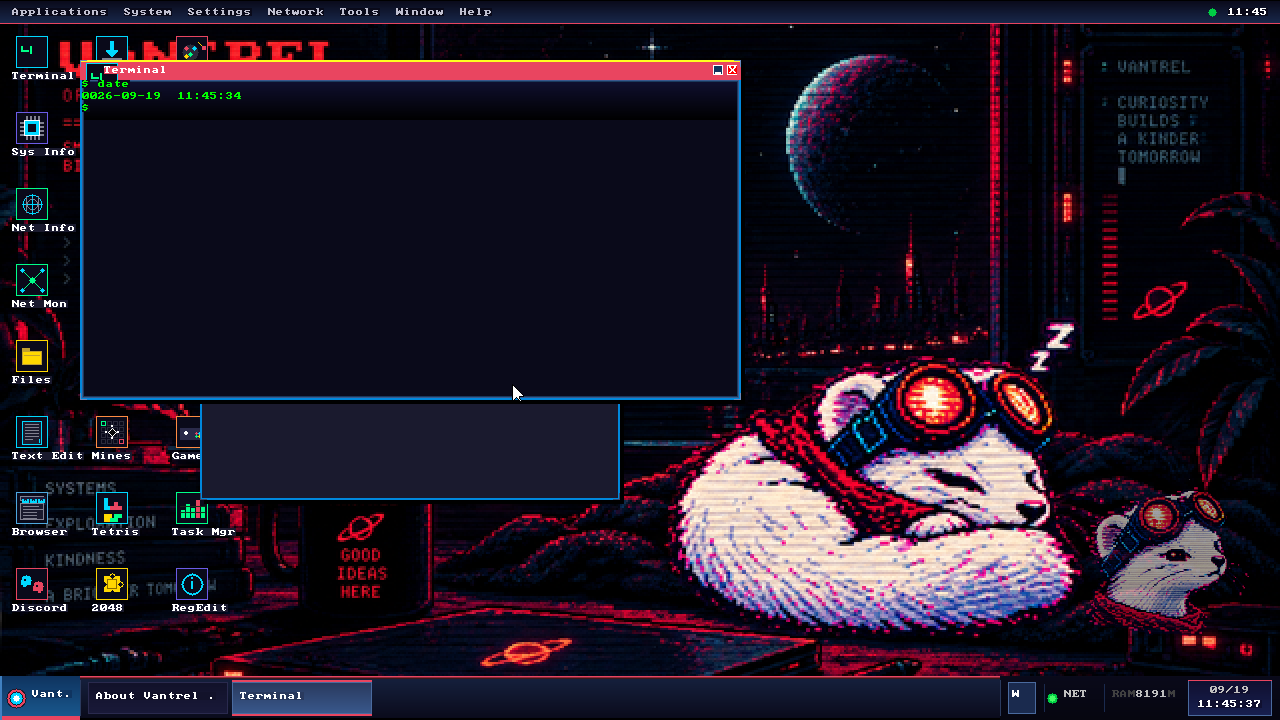
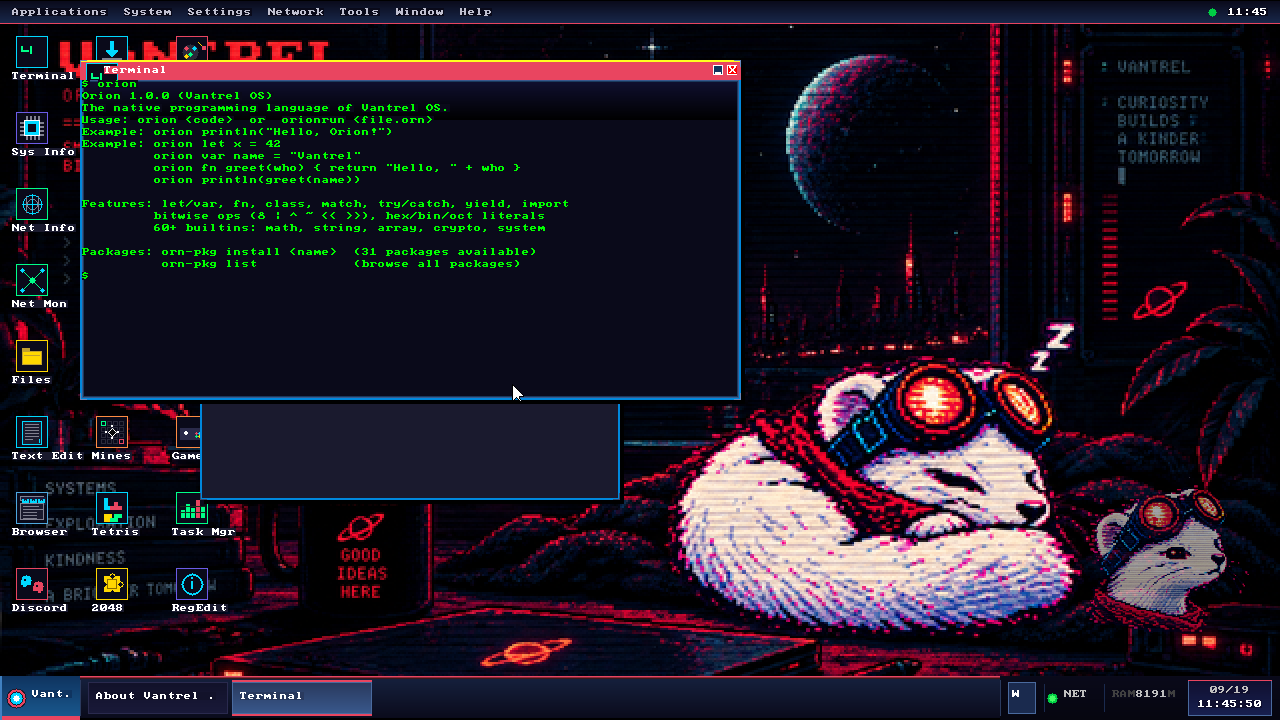
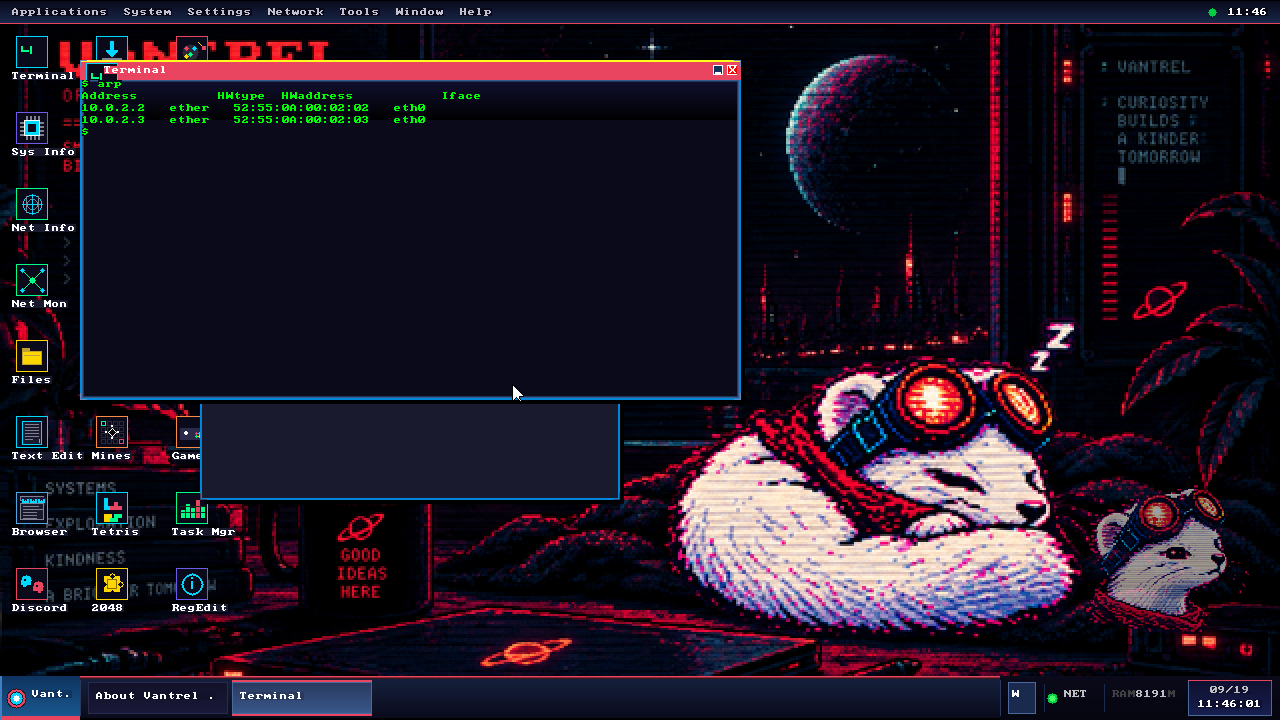
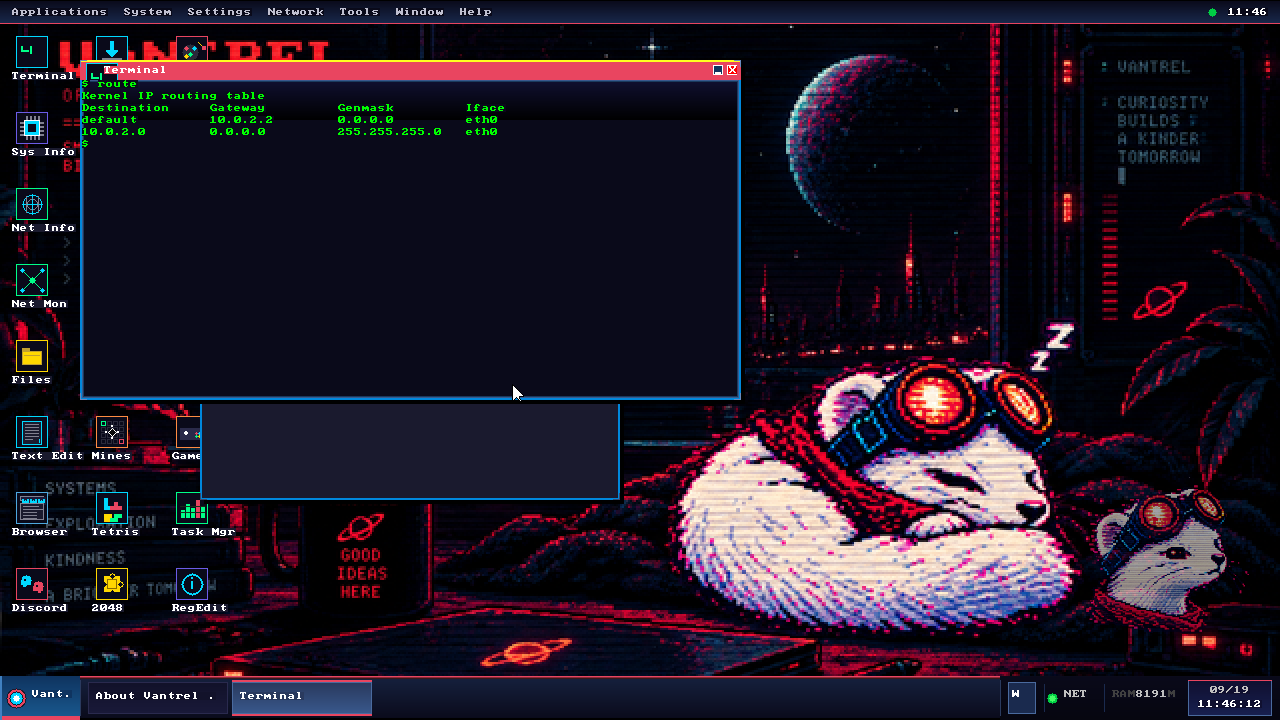
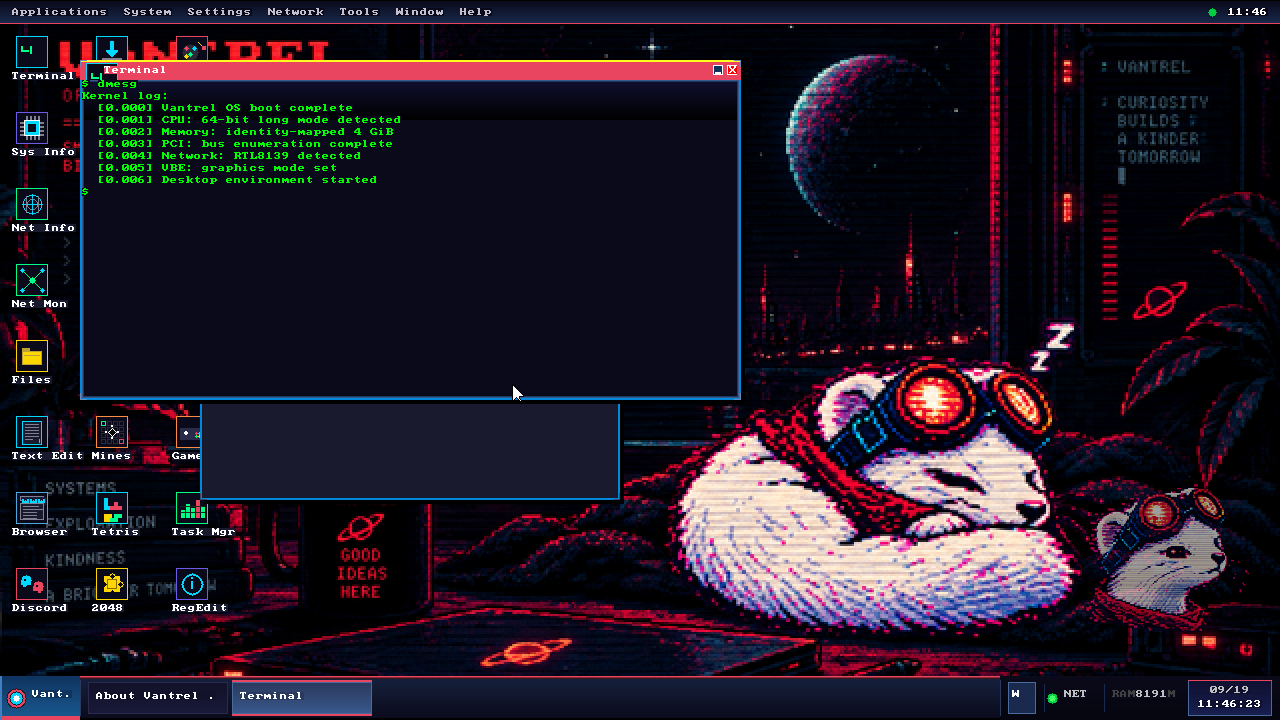
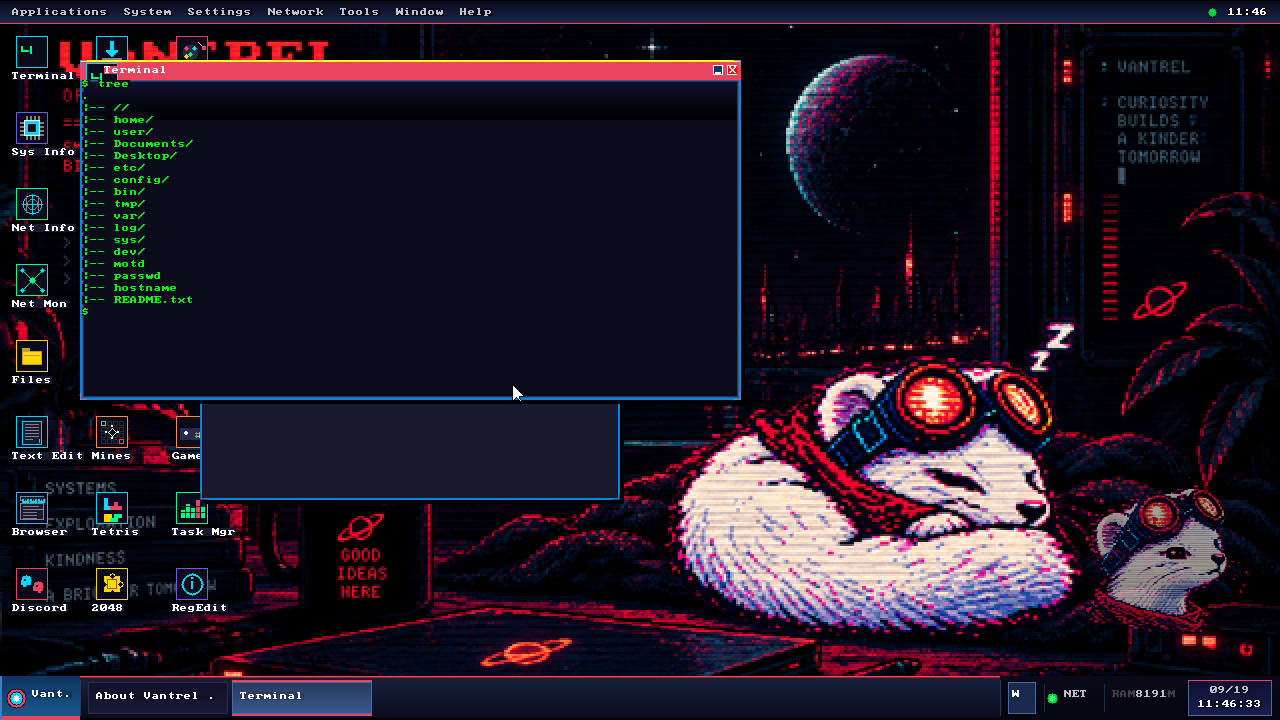
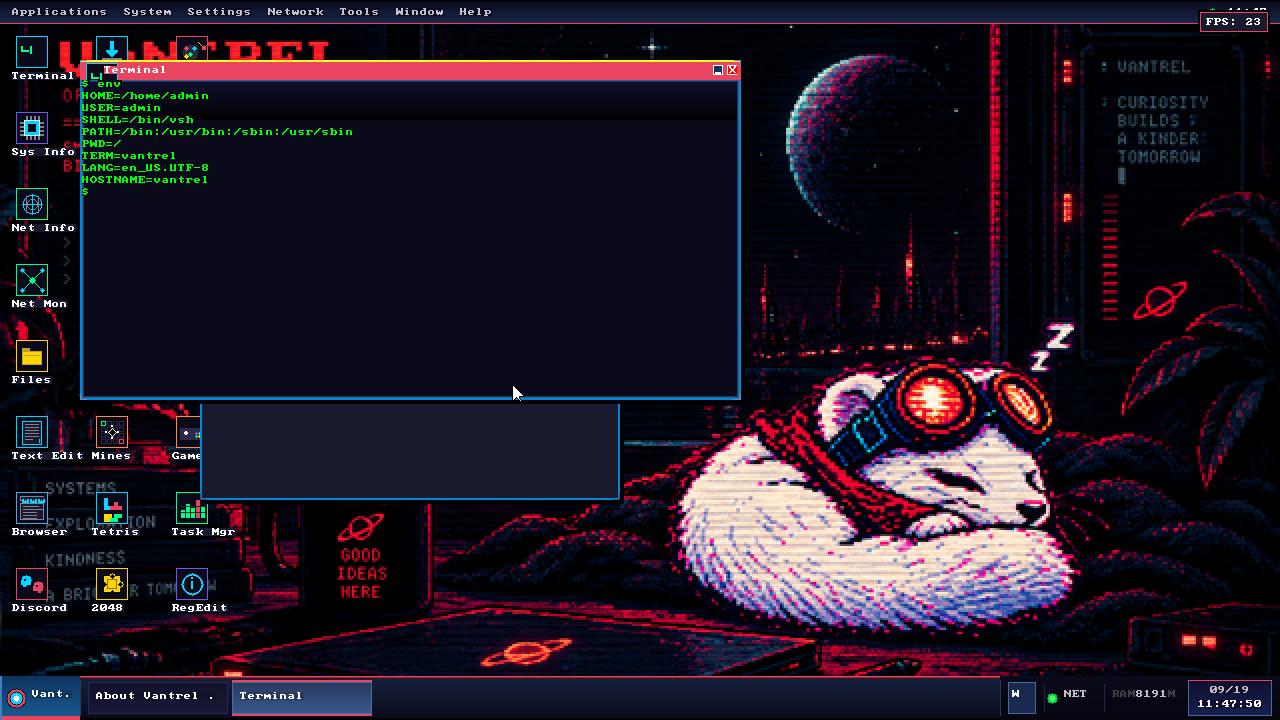
Screenshots were captured using QEMU's monitor screendump command, which dumps the raw VGA framebuffer to PPM. Each PPM was converted to PNG via Pillow. The OS was authenticated as admin (password: vantrel) and driven through 13 shell commands via QEMU monitor sendkey.